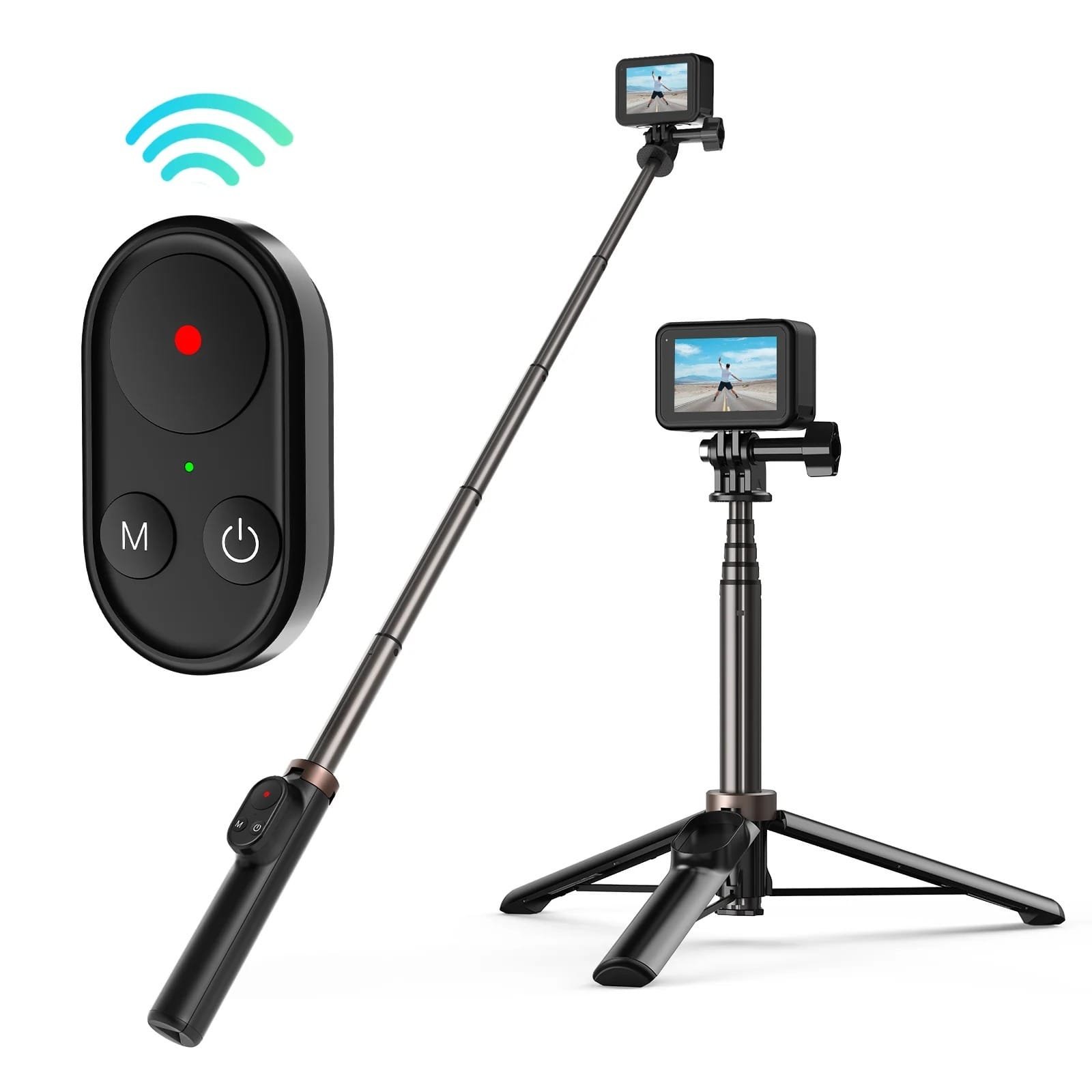
Telesin 0.6M Vlog Selfie Stick Tripod With Remote For Gopro Te-Rcss-001

Starting from /month (12m)
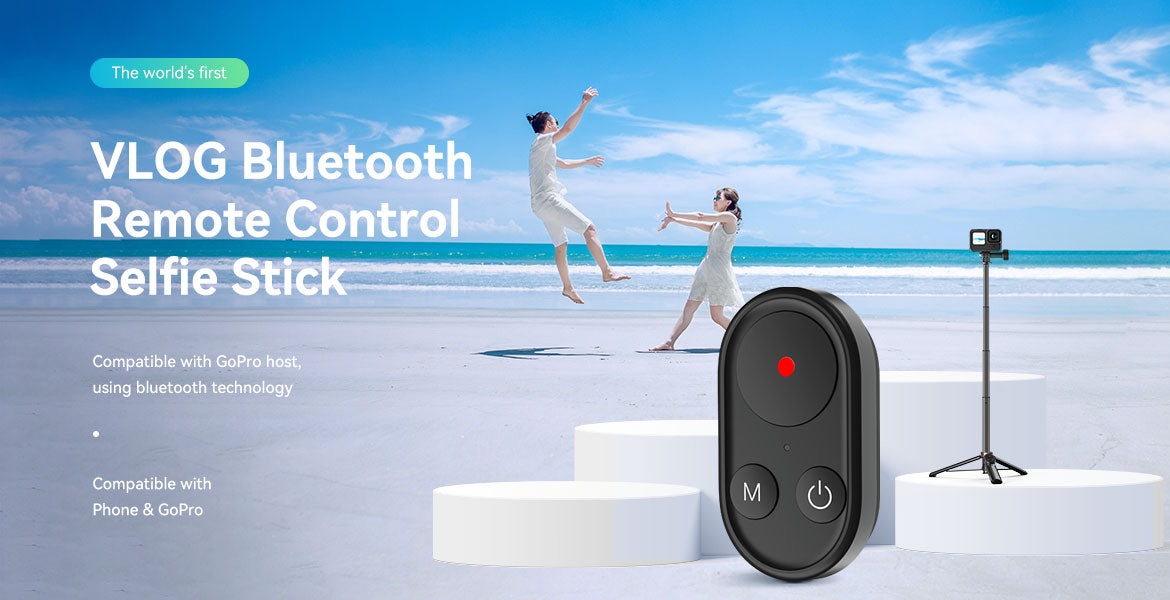
Introducing the TELESIN 0.6M Vlog Selfie Stick Tripod with Remote, an essential accessory for capturing stunning photos and videos with your GoPro or smartphone.
Frequently Bought Together
Bundle Price

Notify me when available
You're on the list!
We'll alert you the second it returns.
Key Features
- • Brand: Telesin
Features:
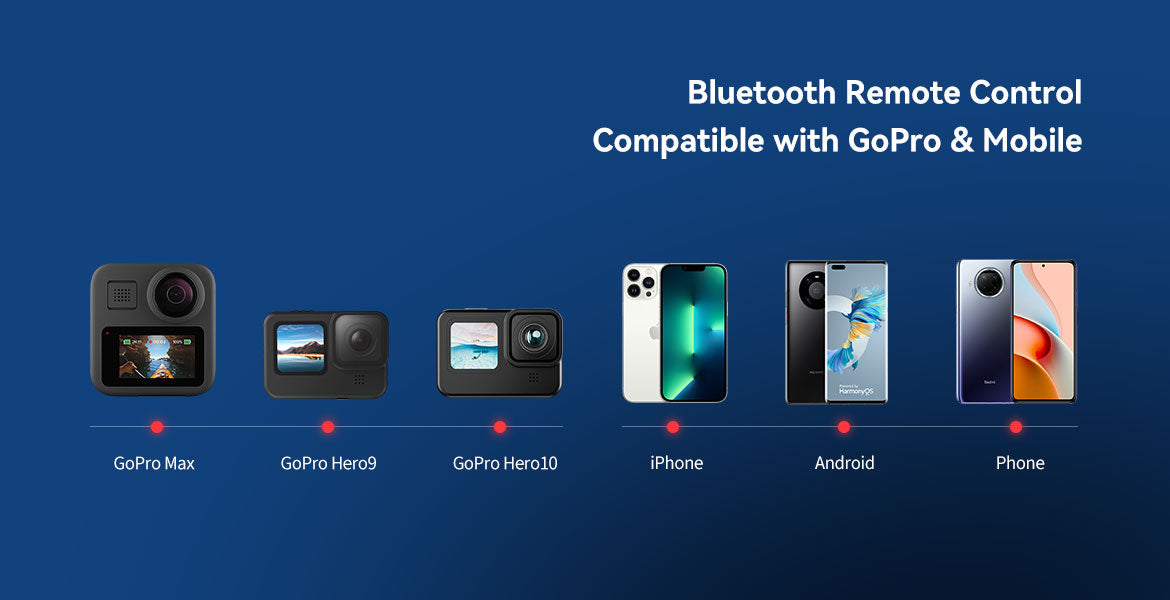
- Versatile compatibility with GoPro Hero cameras and Android/iOS smartphones.
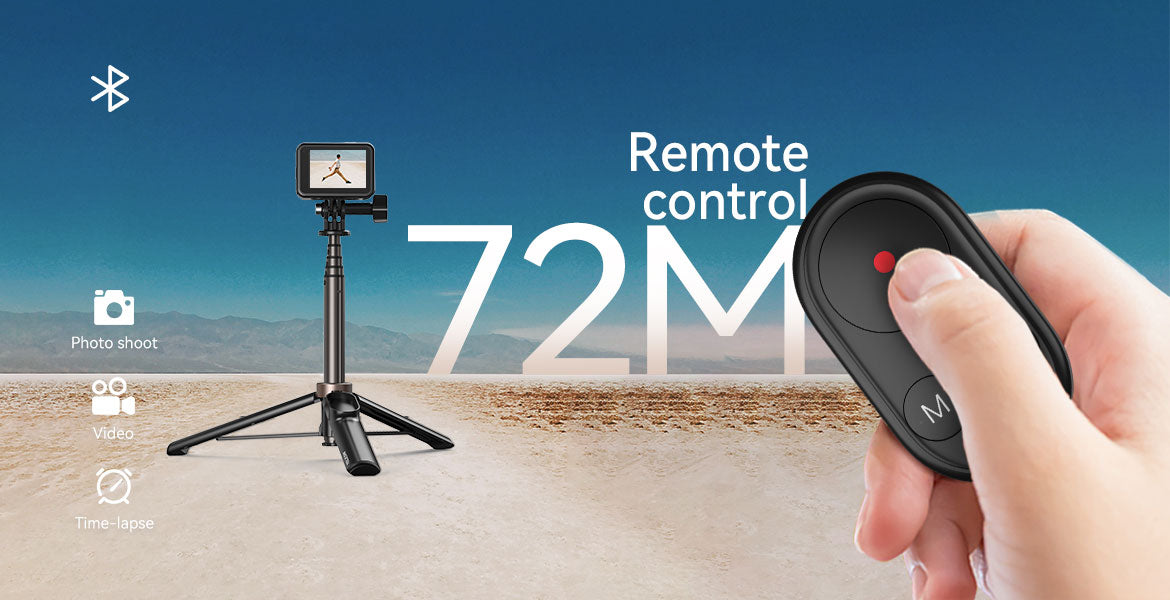
- Wireless Bluetooth remote control with a range of 72 meters.
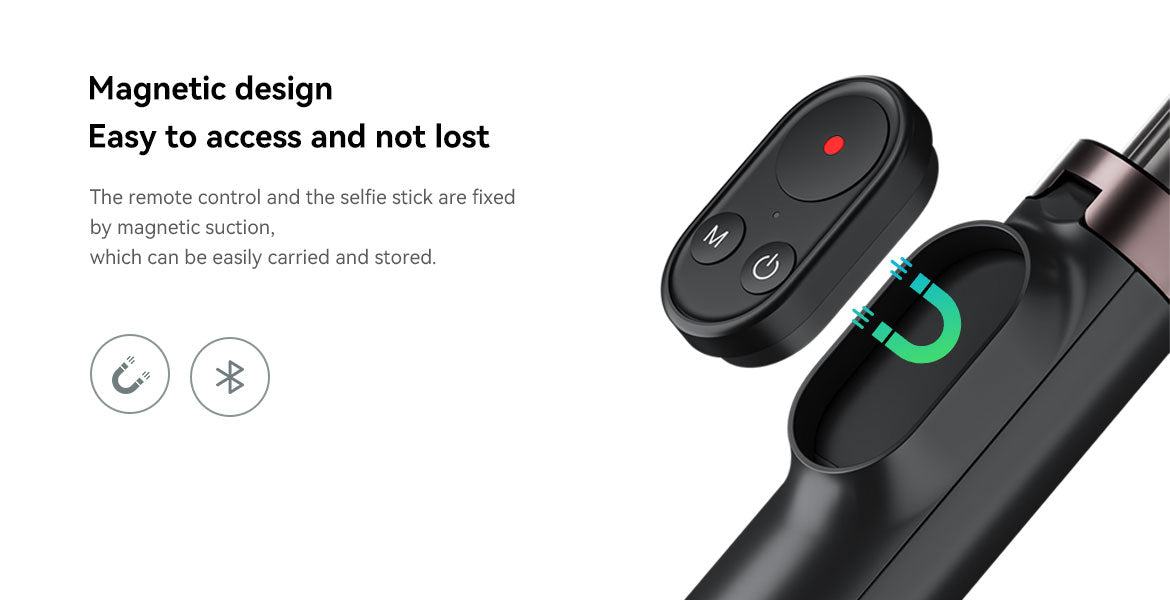
- Magnetic remote attachment for convenient storage and easy access.
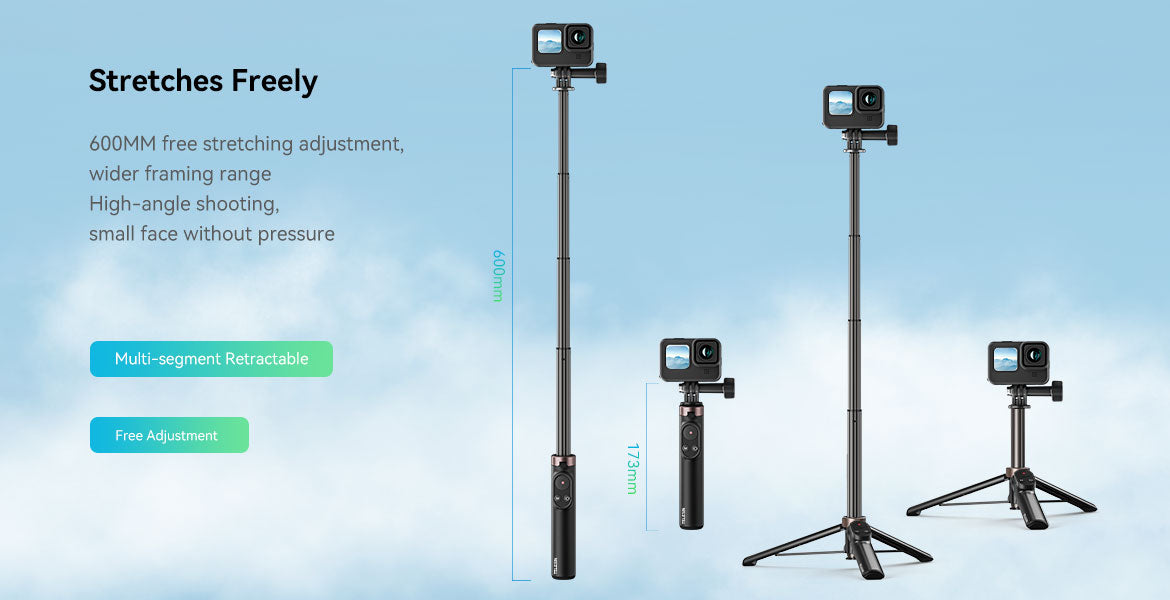
- Stretch length of 173mm to 600mm for flexible framing options.
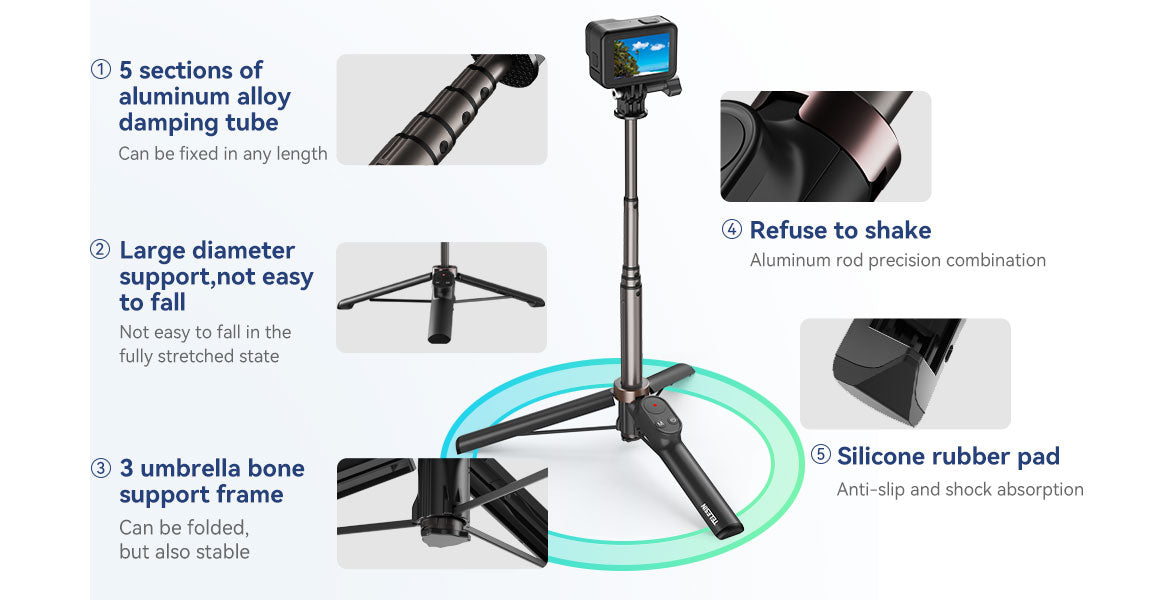
- Durable aluminum alloy rod and large angle tripod base for stability.
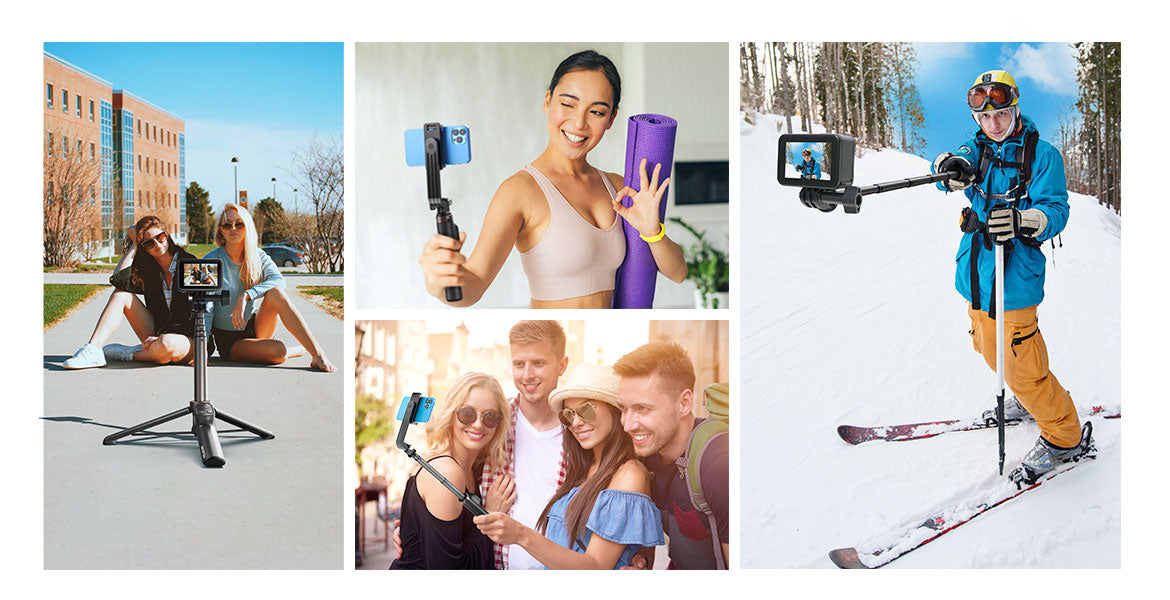
Capture your adventures effortlessly with the TELESIN Vlog Selfie Stick Tripod, ensuring smooth and stable shots every time.
1. Fits for GoPro Hero 10, 9, 8, GoPro Max, and most Android/IOS smartphones.
2. Wireless Bluetooth remote control can control GoPro shoot photos, video recording, and time-lapse photography. The control range is about 72 meters in an open area.
3. The back of the remote control is magnetic and can be attached to the selfie stick, hand wrist strap also can keep the remote on your wrist, and free your hands without worrying about the remote dropping.
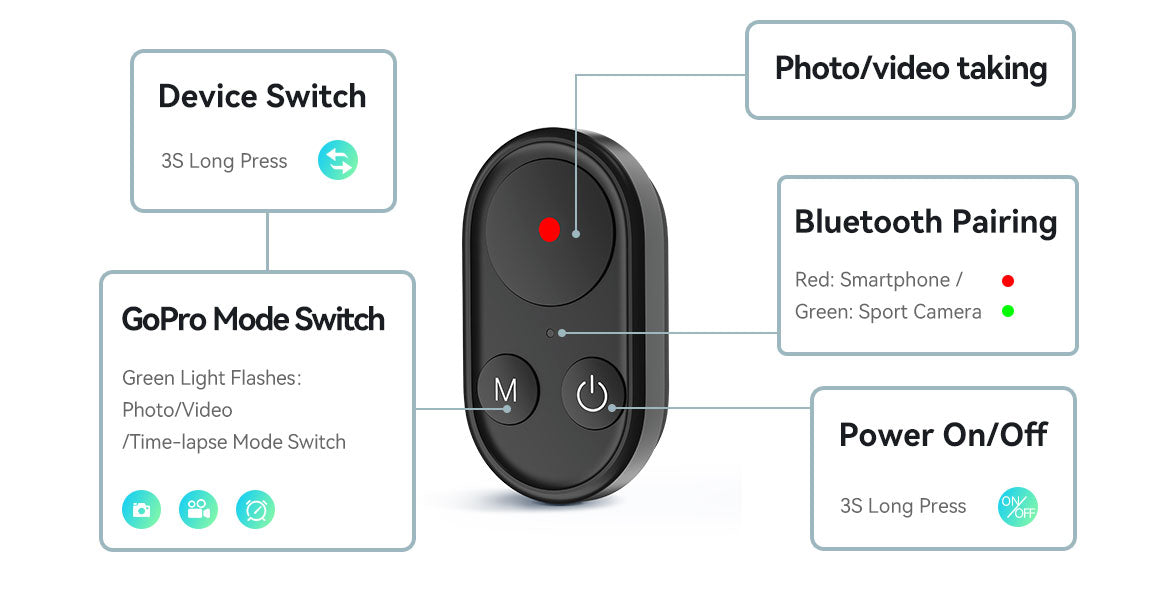
4. Remote green light is camera mode, and the red light is phone mode. Please turn off the remote control before shutting down the camera.
5. Selfie stick comes with a phone clip and a GoPro interface. When taking a selfie with a mobile phone, you can switch between horizontal and vertical shots.
6. Stretch length 173mm to 600mm, wider framing range, high angle shooting.
7. Aluminum alloy rod, durable and non-slip.
8. Large angle tripod base, shooting without shaking.
Specification
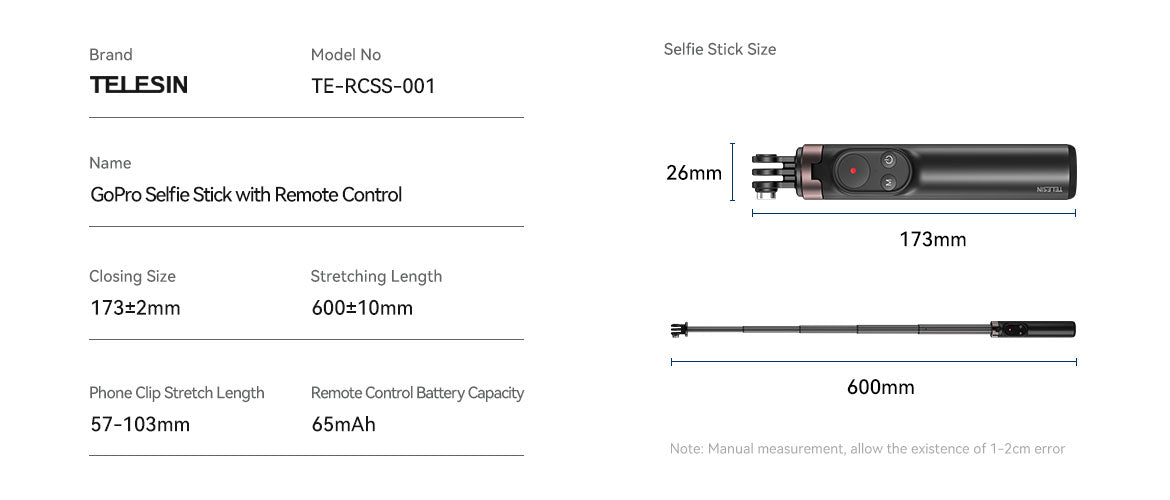
1. Closing size: 173±2mm
2. Stretching length: 600±10mm
3. Phone clip stretch length: 57-103mm
4. Remote control battery capacity: 65mAh
5. Remote control charging time about 2 hours, use time about 12 hours.
Instruction
Connect for GoPro camera:
1. Long press the remote control switch button to turn it on, and the indicator light flashes.
2. If the green light flashes --> go directly to the next step, if the red light flashes --> press and hold the mode button until the green light flashes.
3. Open the GoPro camera, swipe down, and swipe left» Connect» Connect device» for GoPro Quick.
4. Wait for the prompt that the camera is connected successfully.
5. After the successful connection, the green light flashes fully, press the camera button to take a photo, and press the mode button to cycle through the camera's large modes (time-lapse photography, video recording, and photo mode).
Connect mobile phone:
1. Long press the remote control switch button to turn it on, and the indicator light flashes.
2. If the red light flashes --> go directly to the next step, if the green light flashes --> press and hold the mode button until the red light flashes.
3. Turn on the phone's Bluetooth, search for the "T-SE" Bluetooth name device, and click pair. The red light on the remote control is flashing.
4. Turn on the phone and short-press the camera button to take photos/videos.
You May Also Like
Telesin
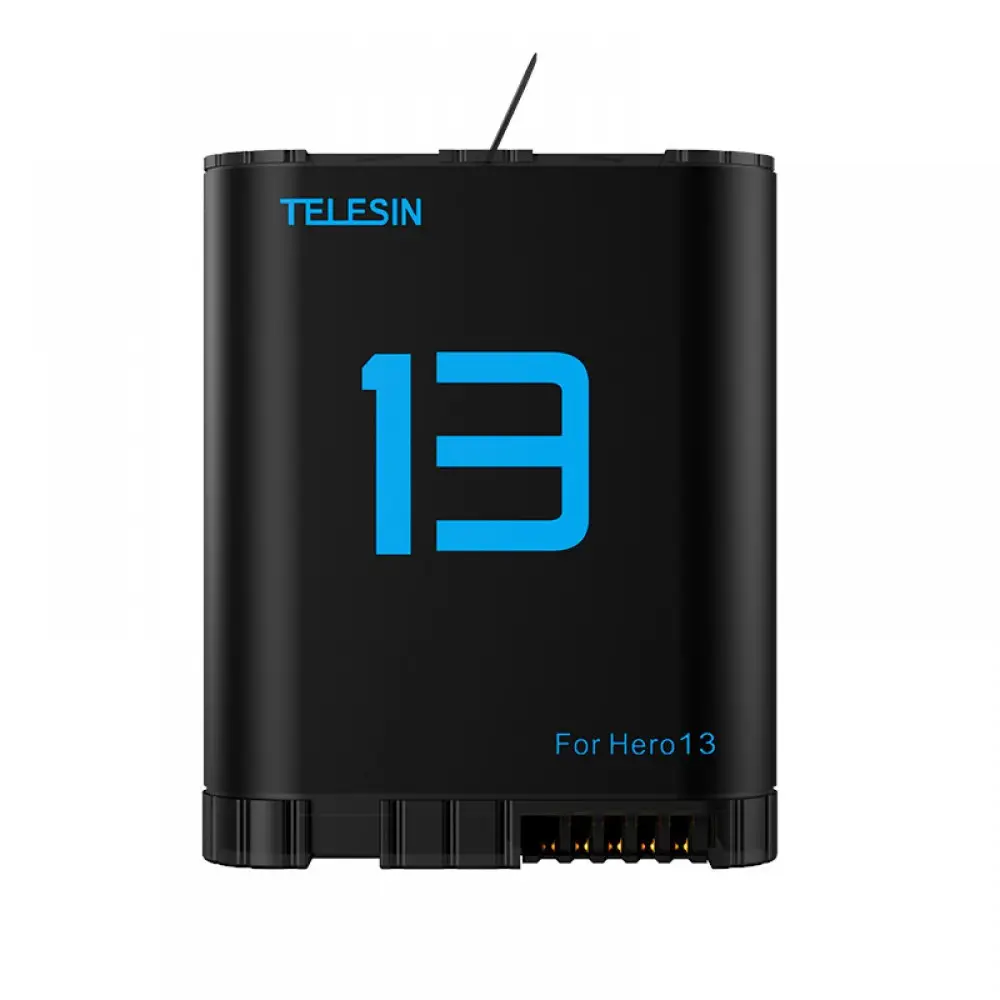
TELESIN GOPRO HERO 13 BATTERY S0-BTR-06-TGP 100% Authentic
 Only 1 left!
 #20 in Accessories
 Free Delivery
Accessories
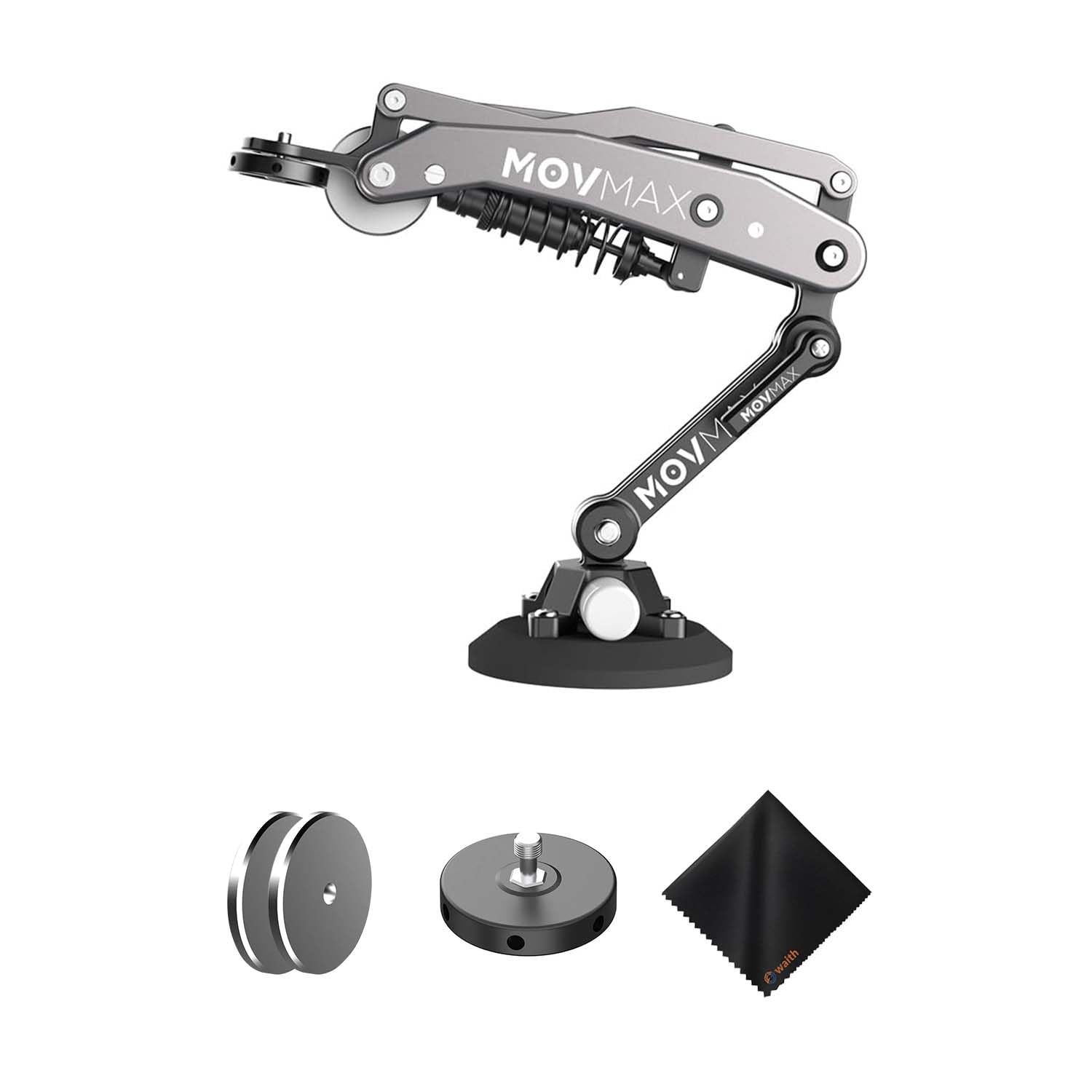
MOVMAX BLADE ARM FOR DJI POCKET BLACK 81-0059
100% Authentic
Only 1 left!
#45 in Accessories
Free Delivery
Telesin
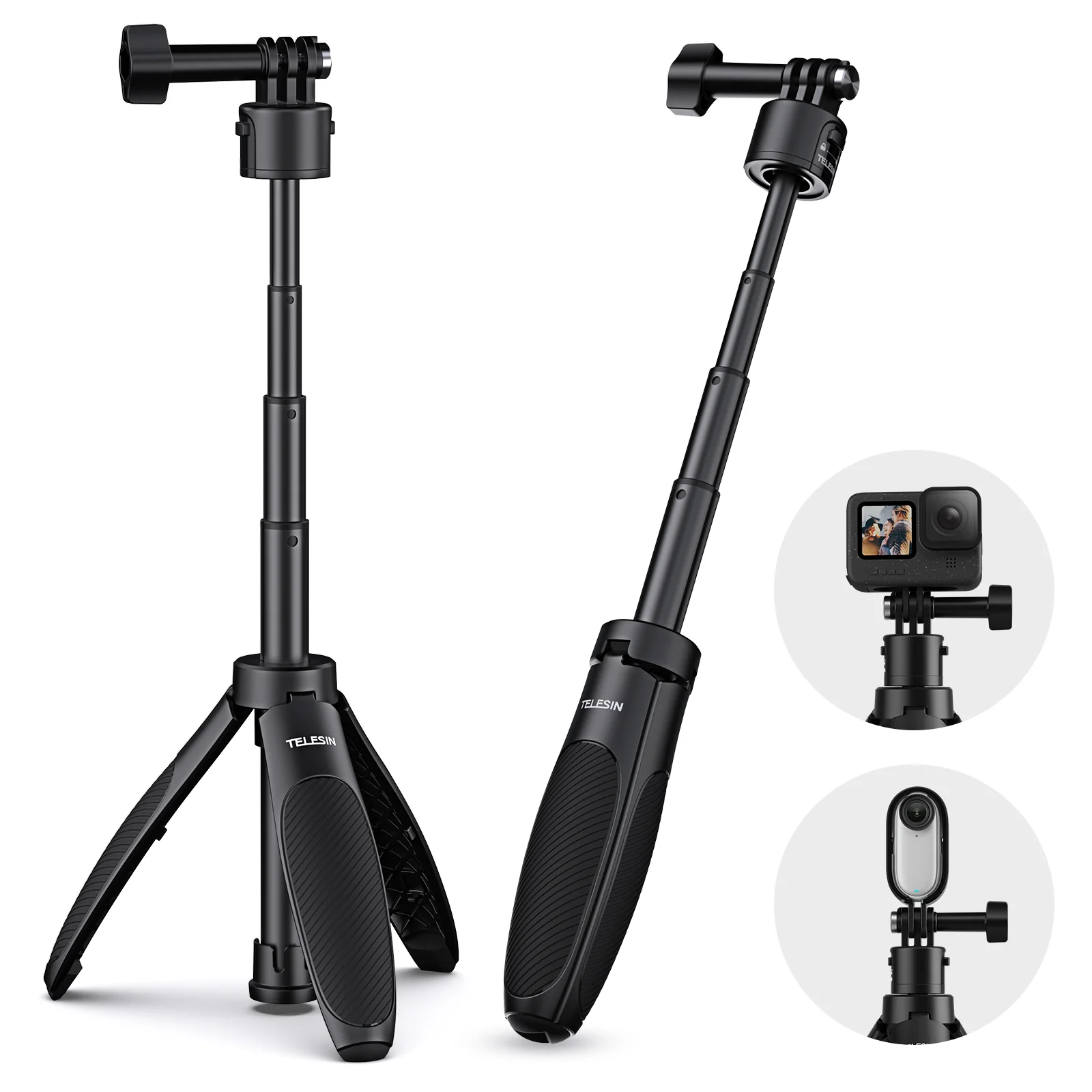
TELESIN QUICK RELEASE SELFIE STICK MINI TRIPOD S1-MNP-02
100% Authentic
Only 1 left!
#28 in Accessories
Free Delivery
Accessories
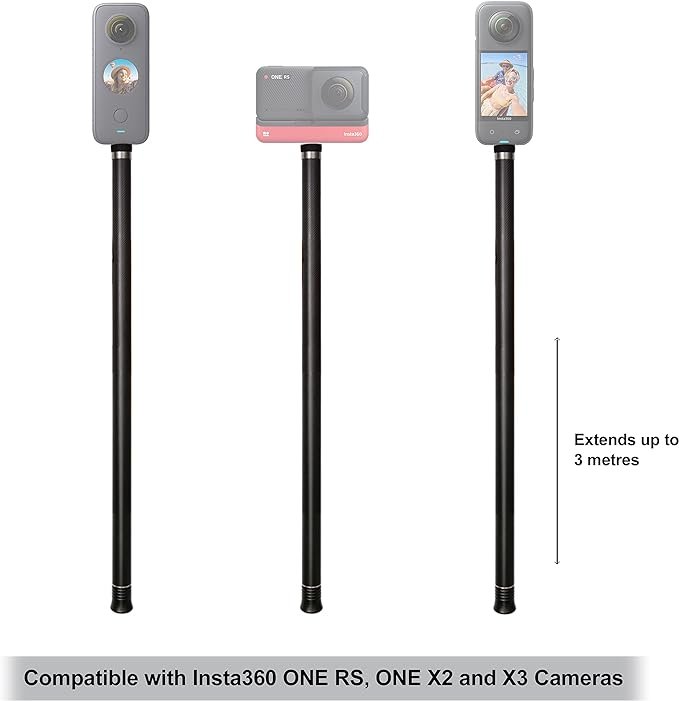
Insta360 ONE X2 Extended Edition Selfie Stick 300cm DINEESS
100% Authentic
Only 1 left!
#24 in Accessories
Free Delivery
Accessories
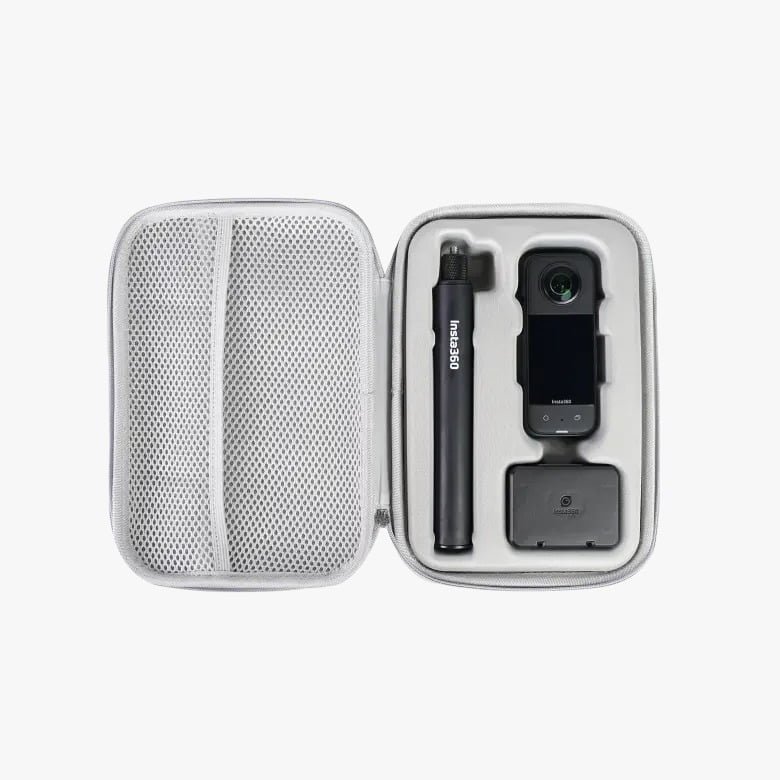
INSTA 360 X SERIES CARRY CASE CINSBAQG
100% Authentic
#14 in Accessories
Free Delivery
Accessories
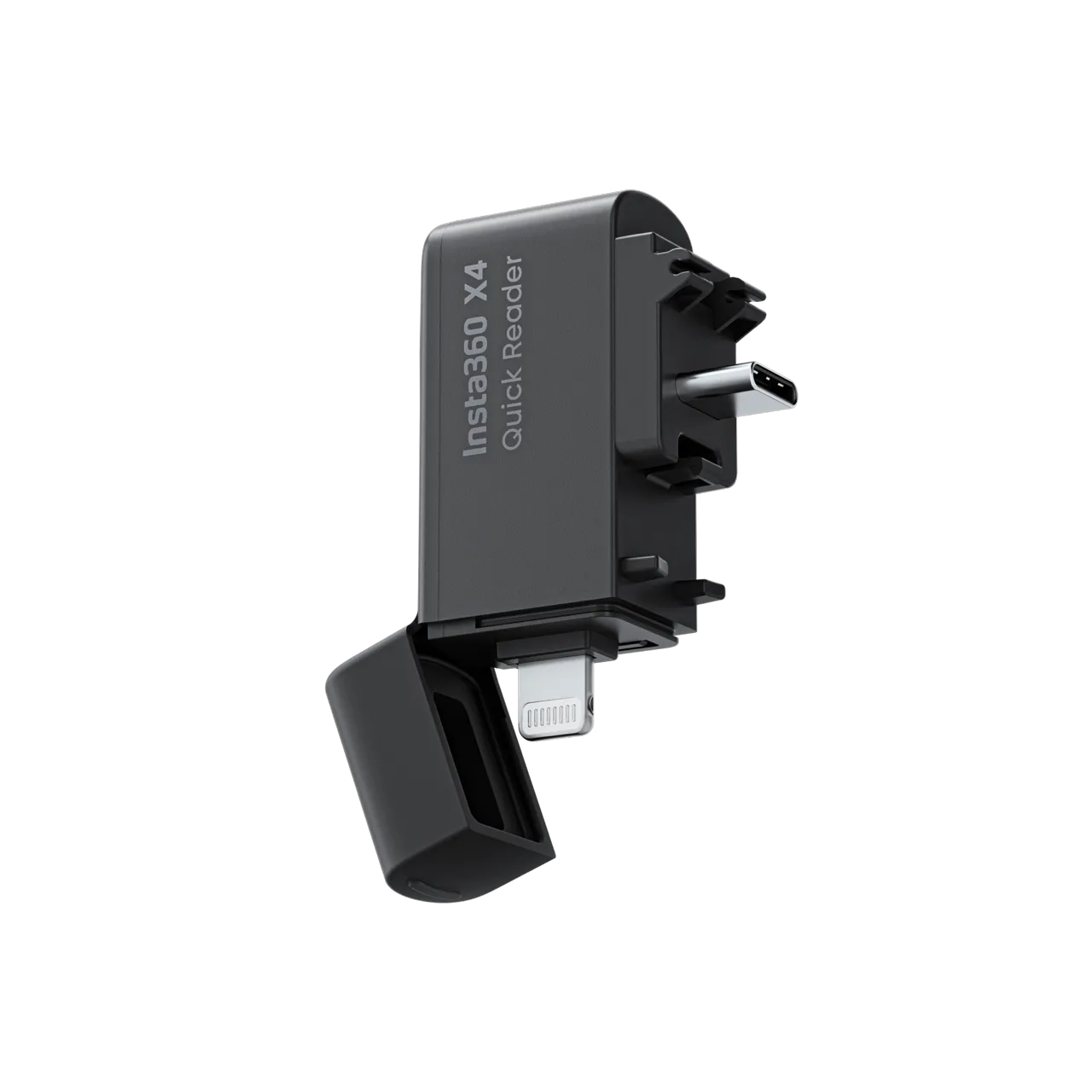
Insta360 X4 Quick Reader - Fast and Efficient File Transfer CINSBBMB
100% Authentic
Only 1 left!
#21 in Accessories
Free Delivery